Everything you need to write about, list, or feature Klick-Zen - logos, screenshots, descriptions, and facts. All assets on this page may be used for editorial and listing purposes.
Klick-Zen adds one-click action buttons to Zendesk ticket emails - customers close, rate, and route tickets without logging in.
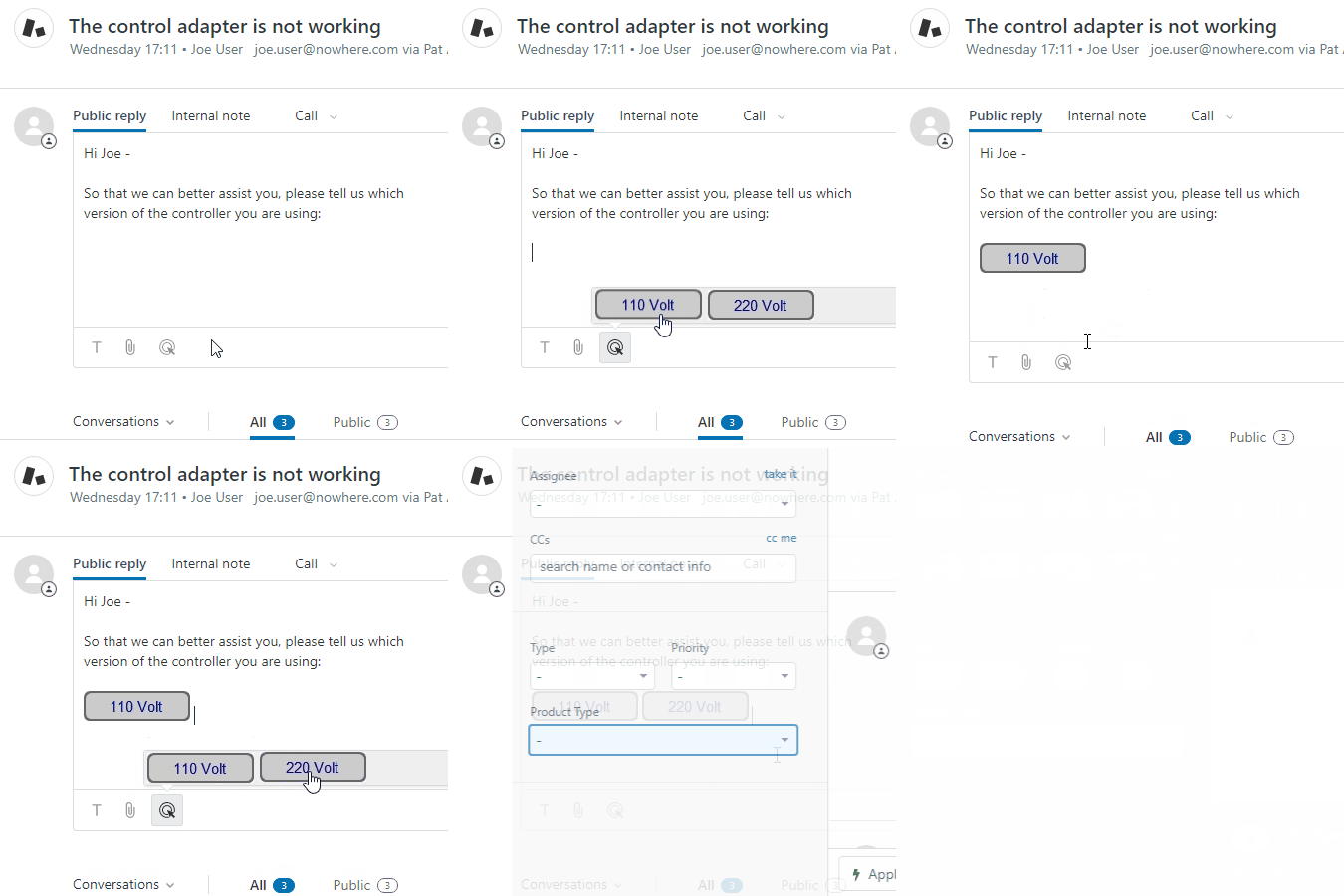
Klick-Zen lets Zendesk teams embed functional buttons in ticket emails, agent replies, and the Help Center. One click updates the ticket - confirm resolution, record CSAT, add tags, route to the right team - no customer login required. No coding, no hosting. Trusted by Ticketmaster, GoFundMe, and hundreds more.
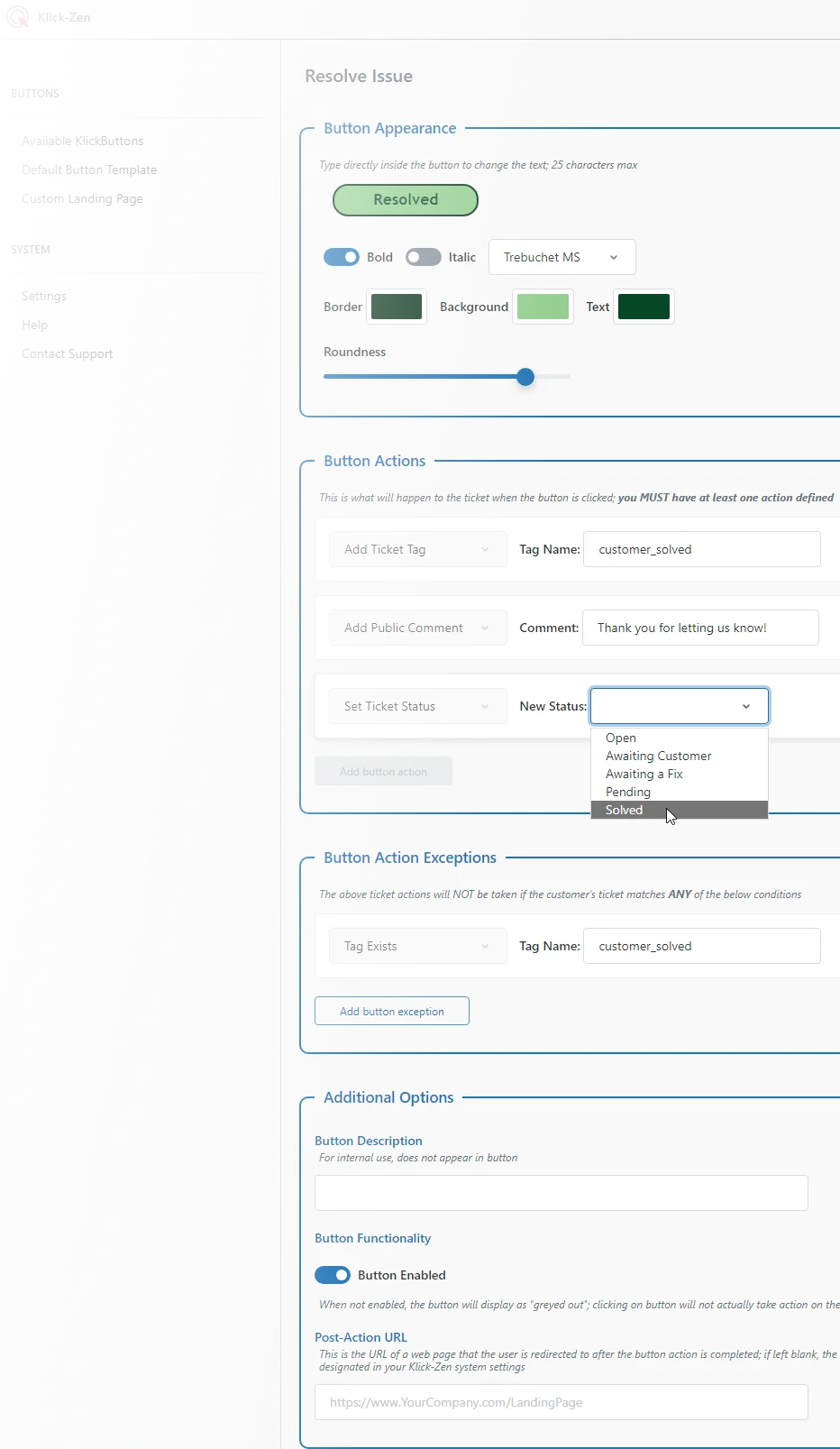
Klick-Zen is a Zendesk Marketplace app that turns one-way ticket emails into interactive workflows. Support teams create styled buttons in minutes and drop them into trigger emails, macros, or individual replies. When a customer clicks, their ticket updates instantly - status changes, tags, comments, custom fields - and existing Zendesk triggers fire on the result. Popular uses include one-click solve confirmation, CSAT surveys embedded directly in the email, customer-choice ticket routing, and letting end users act on tickets without a Help Center login. Klick-Zen hosts the button images and a brandable landing page, so no additional infrastructure is required. Klick-Zen is a product of Acenerate LLC, based in Charlotte, North Carolina, and is not affiliated with Zendesk.
| Product | Klick-Zen Action Buttons |
|---|---|
| Company | Acenerate LLC |
| Headquarters | Charlotte, North Carolina, USA |
| Platform | Zendesk Support (via the Zendesk Marketplace) |
| Pricing | $4 per agent/month, or $199/month flat rate - free 14-day trial |
| Notable customers | Ticketmaster, GoFundMe, NortonLifeLock, PandaDoc, About You, Sendible |
| Website | klick-zen.com |
| Marketplace | Klick-Zen Action Buttons on the Zendesk Marketplace |
Right-click any asset to save, or use the download link. Please don't alter colors, proportions, or spacing.
Klick-Zen began with a simple observation: every Zendesk ticket email is a dead end. Customers who just want to say "yes, that fixed it" have to type a reply - so most don't, tickets linger, and support teams chase confirmations that should take one click. Klick-Zen was built by to close that gap: fully functional buttons, hosted end to end, that any support team can add to their ticket emails in minutes without writing code. Today, hundreds of companies - from startups to Ticketmaster, GoFundMe, and NortonLifeLock - use Klick-Zen buttons to close tickets, capture CSAT, and route requests straight from their customers' inboxes.
Email support@klick-zen.com.